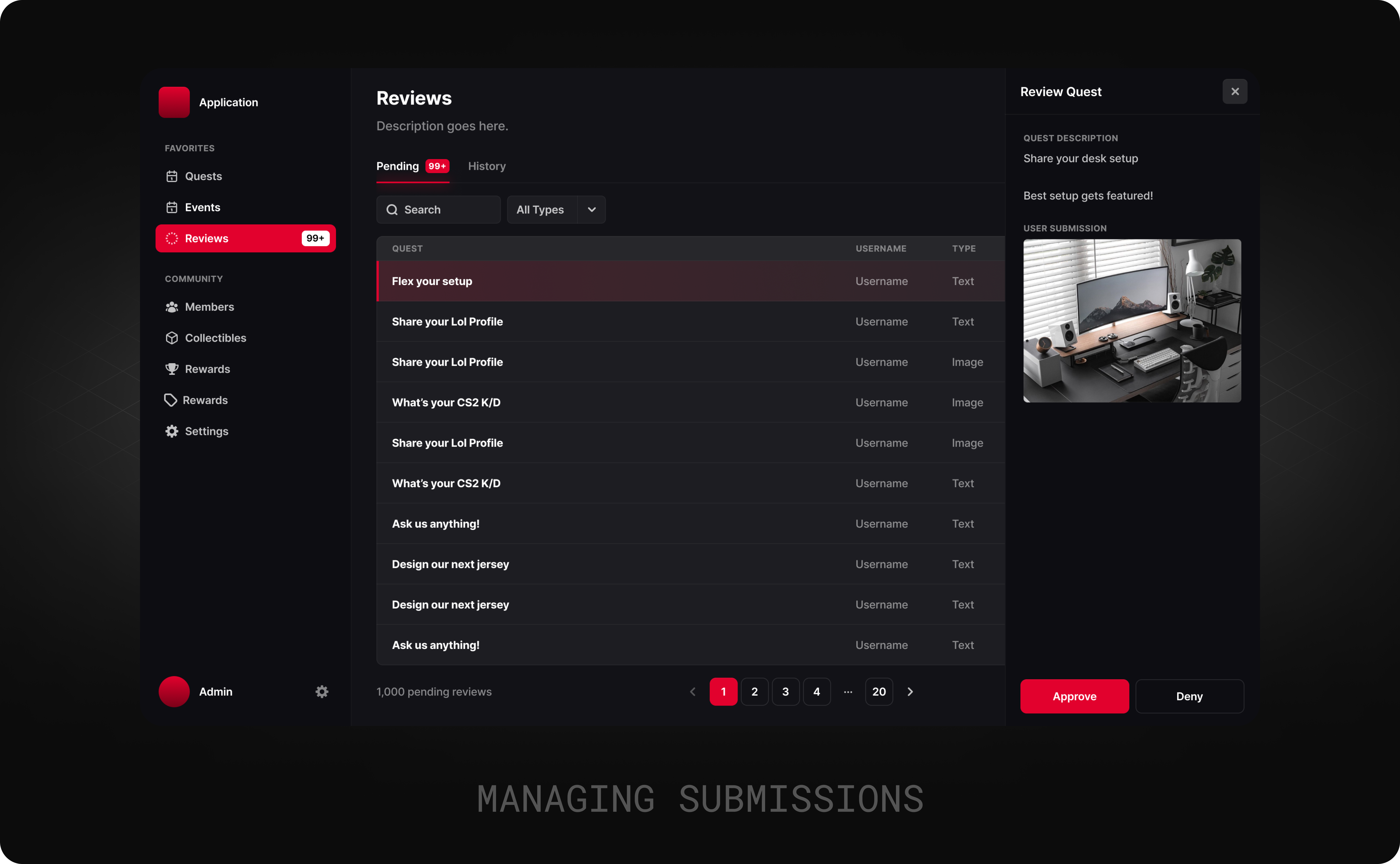
# Reviewing Submissions
{% hint style="info" %}
Approving quests is a permanent action and cannot be undone. Ensure that you are confident in your selection before proceeding with approval.
{% endhint %}
Managing Reviews
The Review section has two tabs:
* **Pending:** This tab contains all quests that are awaiting approval or rejection. Next to the tab name, admins can quickly see the number of quests pending review.
* **History:** This tab provides access to all past approved quests, allowing admins to review the history of decisions made.
Best Practices
The following points are recommended to Admins for maintaining a healthy community:
* **Punctuality:** Review quests regularly to prevent users from feeling stuck or frustrated. Assign dedicated admins for quest reviews, especially if handling a high volume of manual submissions.
* **Dependability:** Establishing a consistent routine for reviewing submissions, such as checking them at specific times in the morning or midday. This will help users anticipate when their submissions will be reviewed, ensuring a more predictable experience.